
Evidence gathered after the question arrives
The office needs photos, notes and time records, but they are spread across phones and chats when a customer or contractor asks.
Give the crew a simple mobile record for assigned work, photos, notes, files and time. Give the office clearer customer, variation, safety and closeout control.
Takes around 2 minutes. No card required. You get a practical score for progress proof, commercial evidence and payment-delay risk.
No card required. Inspect the sample workspace first, then try Keystone on one live job when you are ready.
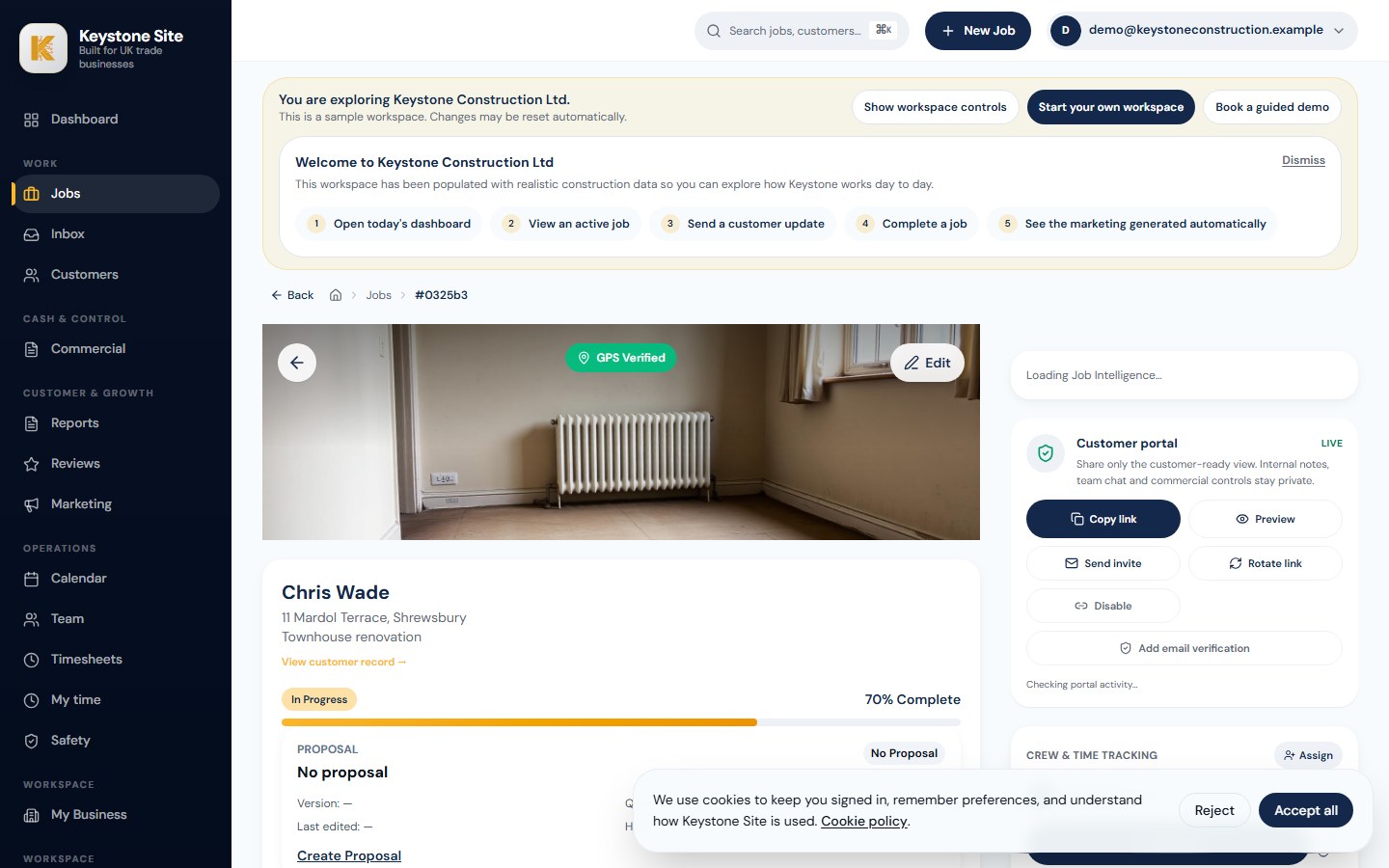
The office needs photos, notes and time records, but they are spread across phones and chats when a customer or contractor asks.
A verbal instruction, drawing or change is hard to prove later when the supporting job information lives in different places.
Check-ins and corrections arrive late, leaving the office to rebuild time against the right job.
Photos, notes and files stay with the job. Manual check-in is the fallback, with optional job-scoped geofencing that the installer controls.
The developing timesheet workflow uses job check-in and check-out events, with installer correction requests and office review. Keystone does not present this as payroll.
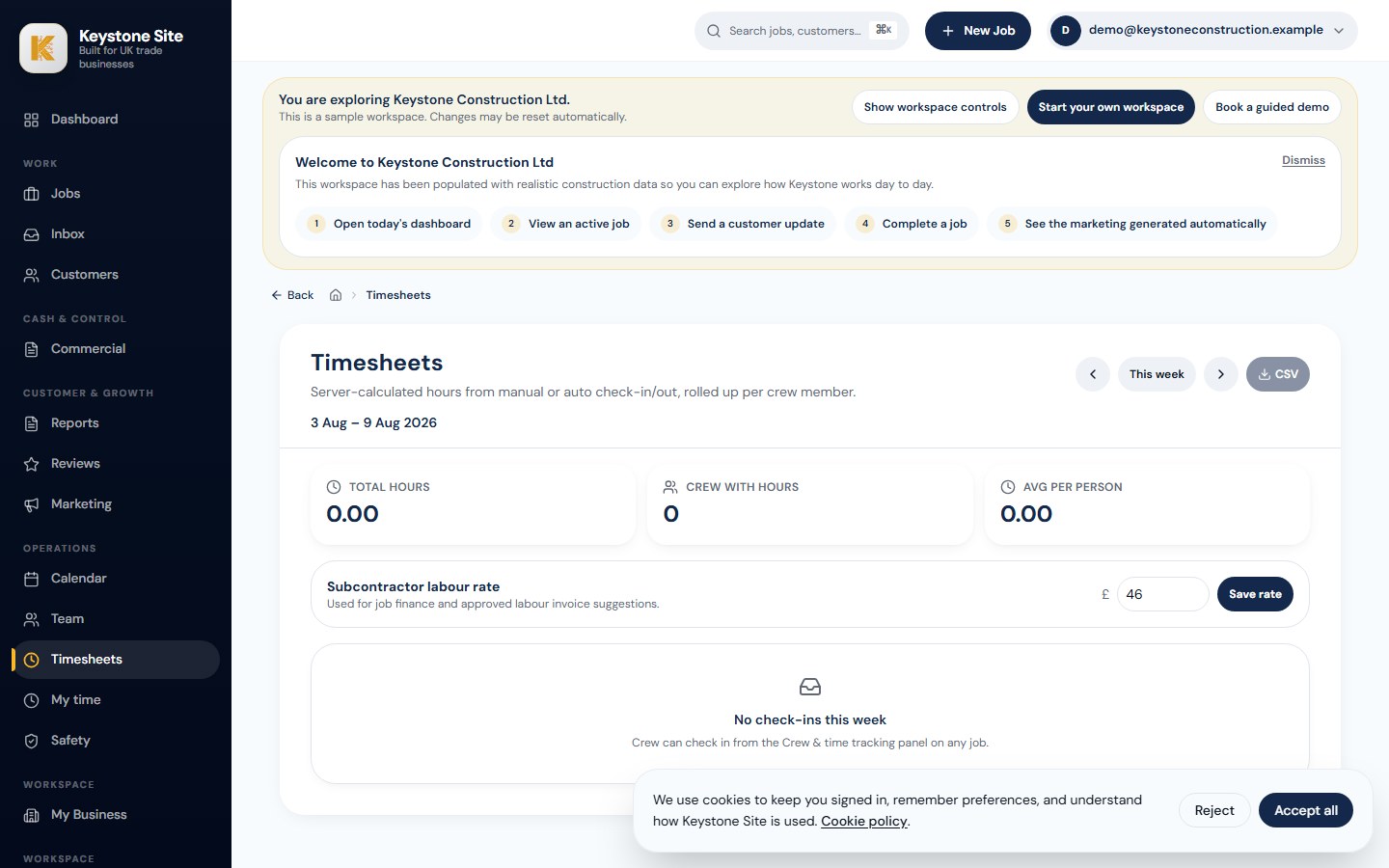
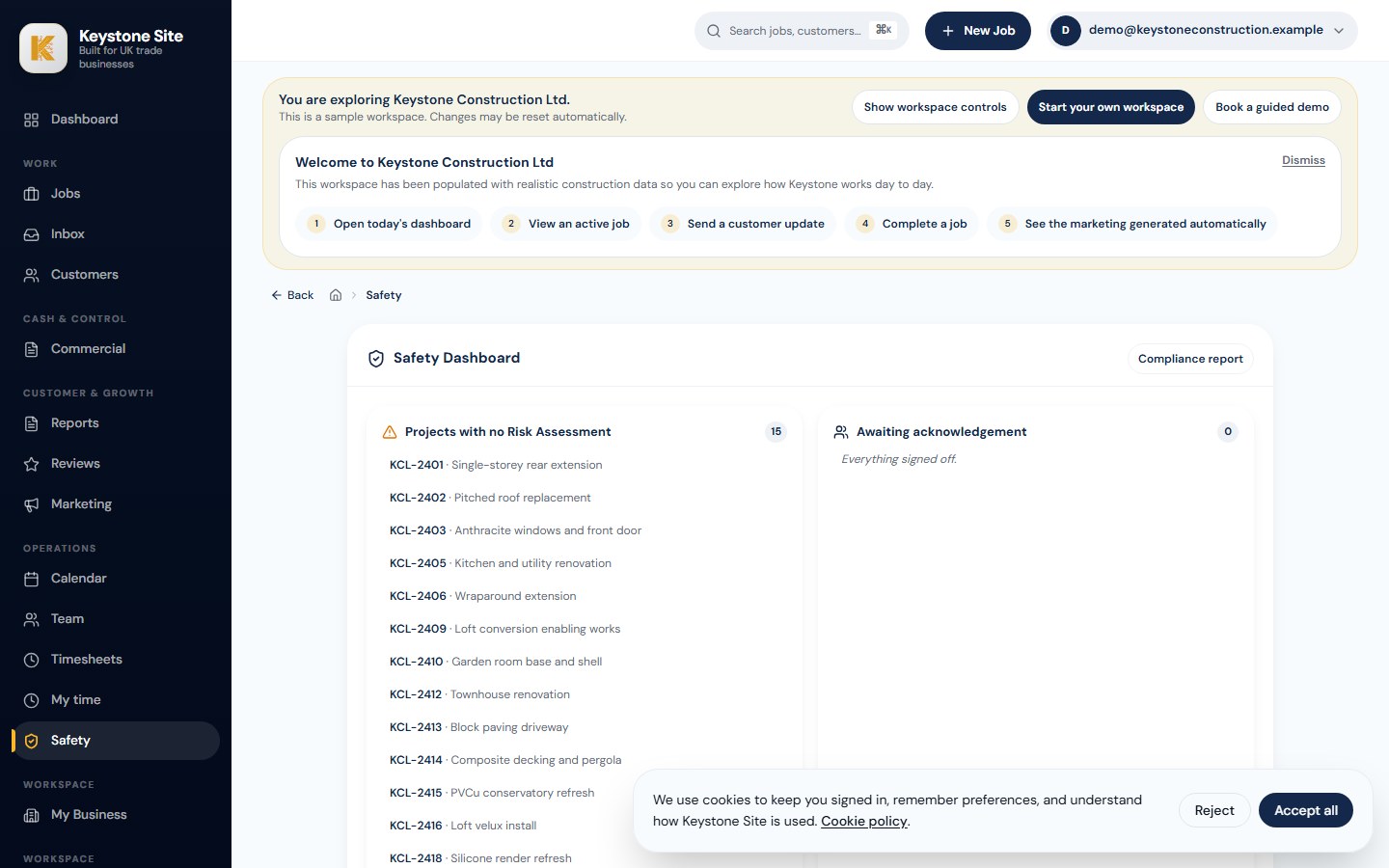
Prepare draft safety documents for competent-person review, keep revisions attached to the job and record installer acknowledgements.
The office can track variations and customer actions, prepare completion reports from selected evidence and retain sign-off and review follow-up.
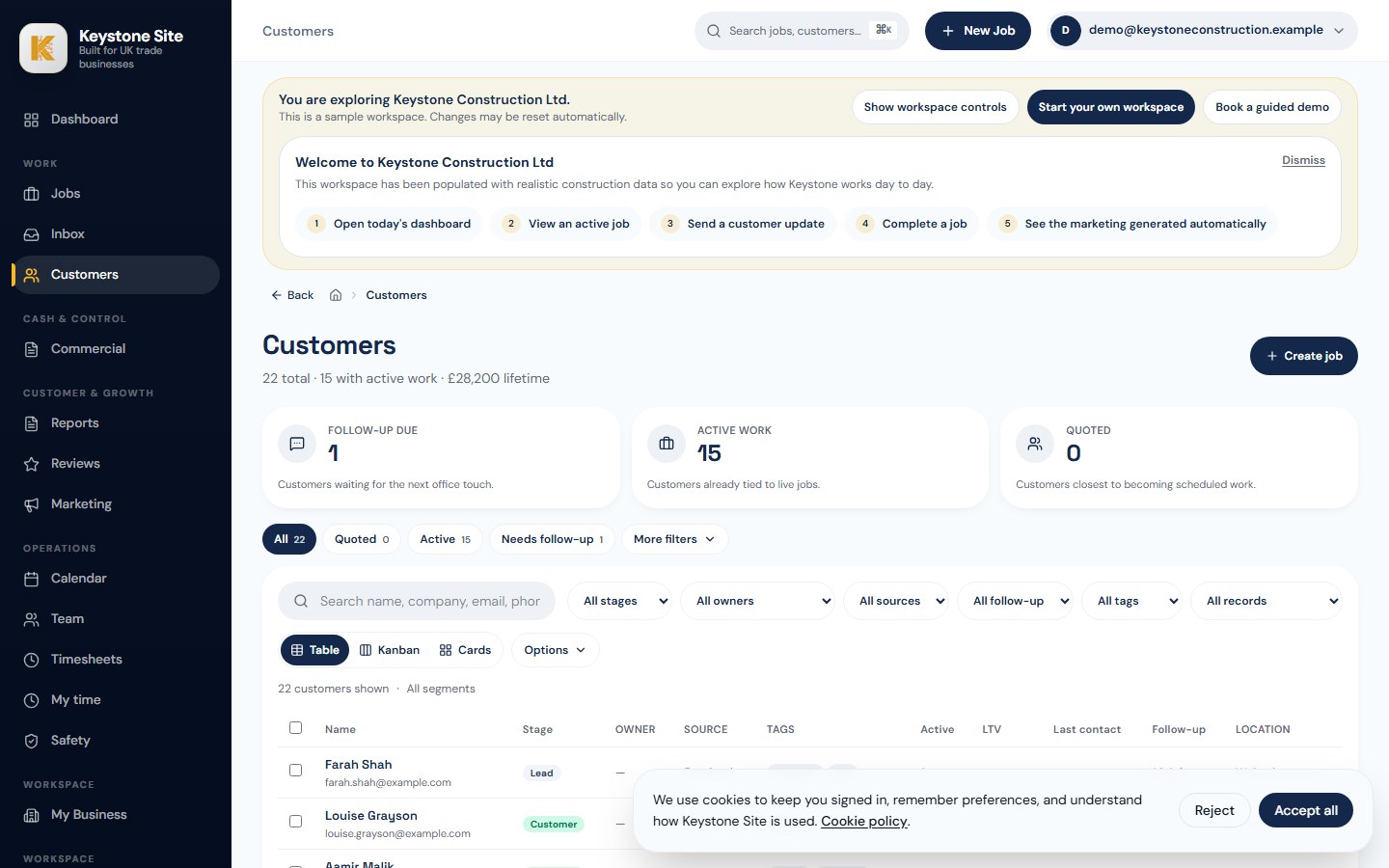
Keystone is designed for owner-led UK construction and trade teams, including groundworkers that need a simple field record and clearer office control around jobs, customers, changes and completion.
Keystone can retain job photos, notes, files, check-ins and reports. Site diary generation exists as a limited supporting workflow, so it is not marketed here as a fully automated valuation diary.
Keystone supports manual check-in/out, optional job-scoped geofencing, job-based timesheet review and safety records. It does not claim plant-hire management, payroll or automatic valuation packs.
The crew can capture relevant photos and notes against the assigned job. The office decides which evidence supports a variation, report or later customer and contractor discussion.
Yes — start a 14-day free trial. No card required. Most groundworks crews can try Keystone on one live job straight away and start building daily proof from the first shift.
Take the audit to see where site evidence, diaries and sign-off are slipping through the cracks. Book a review if you want help mapping the delays, or start a 14-day free trial when you are ready to run one live groundworks job through Keystone.
No card is required. Start with a real job, explore the demo first, or book a short review if you want help deciding.